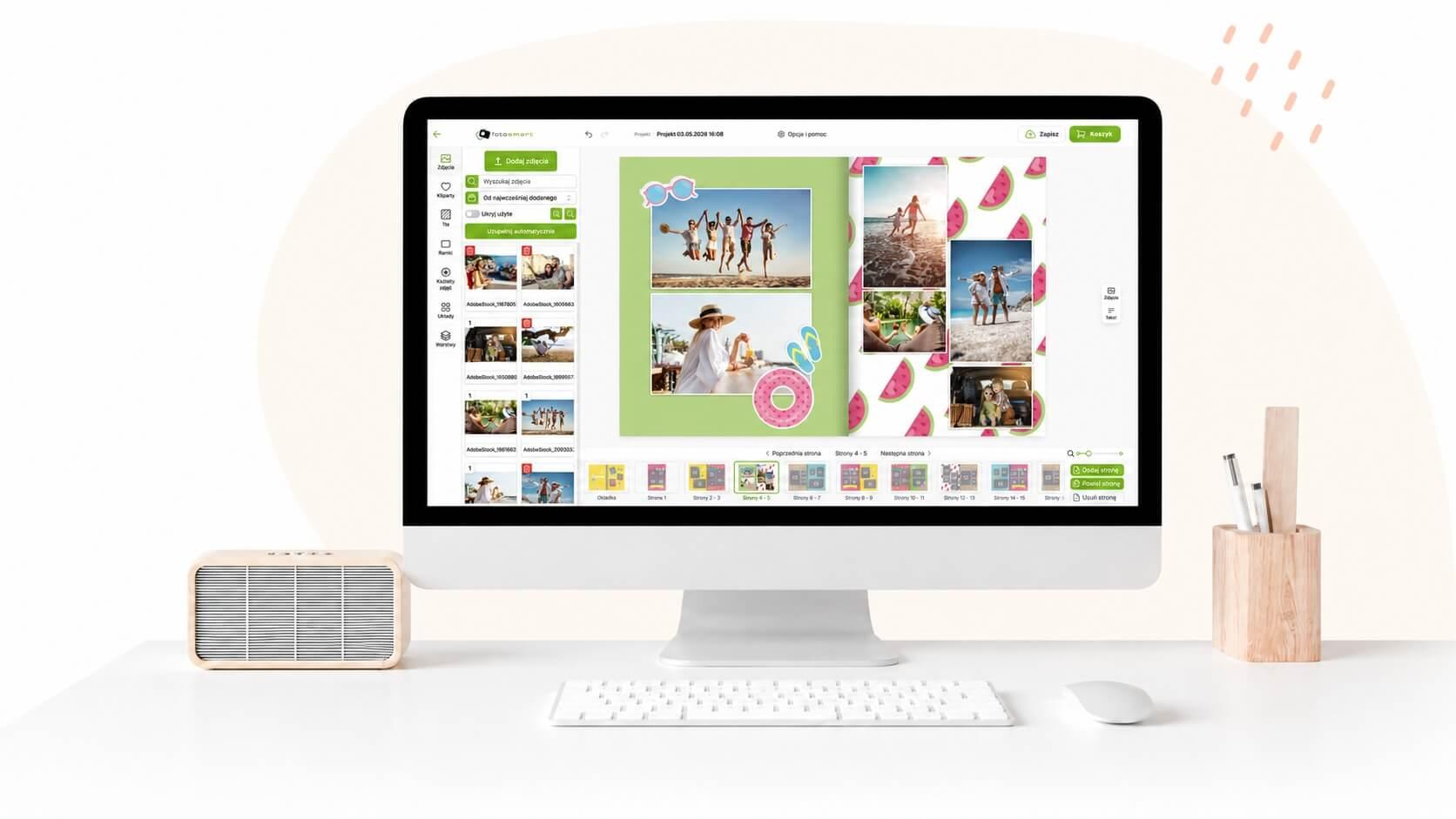
Printing photos allows you to transfer unforgettable moments stored in digital form onto paper. From time to time, it's worth organizing your files and selecting the best photographs to print. Thanks to the possibility of online photo printing, you can easily prepare photos and choose the appropriate print parameters.
Preparing a Photo for Printing
How do you prepare photos for printing? First, you can edit them to adjust brightness, contrast, colors, and sharpness. If necessary, you can also correct errors, but it's not worth retouching the photo too heavily, especially if you don't have experience in this area. Once you've chosen where to print your photos, it's worth checking what the maximum resolution for printing is, so that the photo print doesn't result in a strangely cropped or very blurry image. Keep in mind that if the photo isn't of good quality and you choose too large a format, the photograph will lose a lot. Choosing the right frame is also quite important when preparing photos for printing. Sometimes, for better visual perception, it's better to crop the photo slightly so that unnecessary elements are outside the frame. This way, more attention is drawn to the main point of the photograph. However, remember the rule that says the most important thing is to take the best possible photo at the shooting stage. Photo editing should be just a minor touch-up. If the photo is of good quality, it will look great after printing.