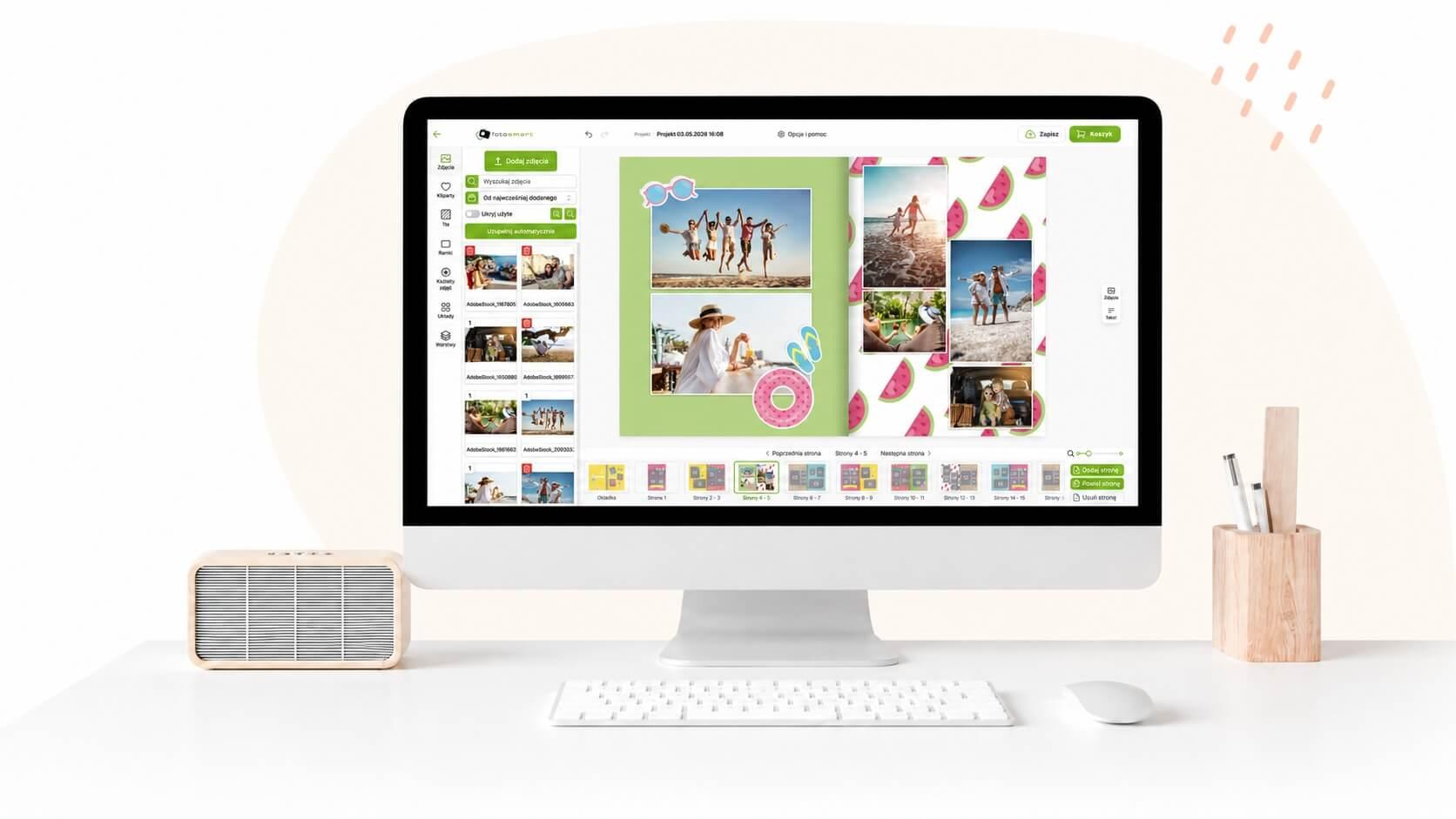
Most of us have thousands of photos on our phones, but only a few can quickly find a specific photograph from a few months ago. Photos accumulate chaotically - screenshots, document photos, selfies, and truly important shots from family celebrations all end up side by side. Organizing this collection is the first step toward making sure your memories do not get lost in digital clutter.
A simple system that works
You do not need complicated tools or hours spent at a computer. Start with a simple rule: once a month, go through the photos from the past few weeks and delete what is unnecessary. Failed shots, duplicates, screenshots of outdated information - all of this takes up space and makes it harder to find what truly matters. Move what remains into folders labelled by month and year or by event name. This habit, though simple, makes a huge difference after a few months.
Once your photos are organized, it is worth choosing the best ones and giving them a physical form. Files on a phone can vanish - due to a malfunction, a device change, or simple oversight. Printed photos are safer and carry something that cannot be replicated on a screen. At fotosmart.com.pl you can order prints in just a few minutes, and the finished photos will be delivered to you by post.
From prints to album
The next step is placing the prints in a photo album. An album gives photos context and order. You can arrange them chronologically, thematically, or by person - for instance, a separate album for each child, for shared travels, or for family gatherings. You do not have to fill the album all at once. Leave some room for the coming months and fill it gradually.
Going from phone to album does not require much effort, and the result is surprisingly satisfying. Instead of scrolling through hundreds of thumbnails on a screen, you sit on the sofa with an album in hand and browse through beautifully printed memories. It is a completely different experience - calmer, more mindful, and simply more enjoyable. Try it with just one month and see what a difference it makes.